October 19, 2026 · 3 min
Failed SSD data destruction: when erasure is impossible and the data is still there
A solid state drive that has stopped responding still holds its data in its flash chips. Software cannot reach it, a degausser cannot touch it, and the answer is physical.
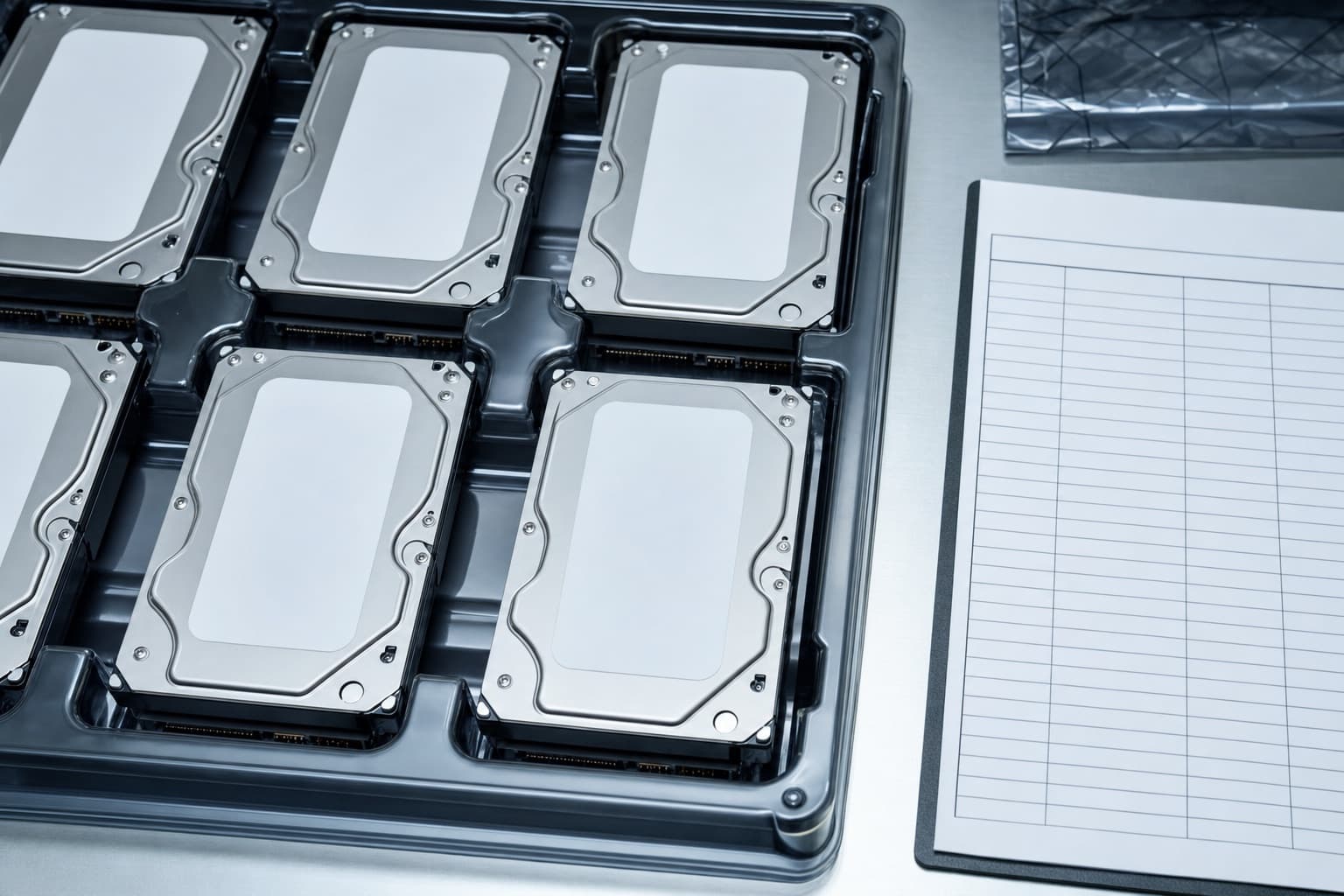
A failed SSD is one of the awkward cases in any data destruction program. The drive does not respond, so it cannot receive a sanitize command or be overwritten. Its data, however, sits in flash memory chips that are perfectly readable with the right equipment, because the failure is usually in the controller, not in the chips themselves. Treating a dead drive as an empty one is the mistake.
Why failed does not mean erased
Most SSD failures are controller or firmware failures, power component failures or connector damage. The flash chips, where the data lives, often survive. Data recovery firms read them directly by removing the chips. If they can, so can anyone else who obtains the drive. A failed drive therefore deserves the same treatment as a working one carrying the same data, and in practice a more careful one.
What does not work on flash
Degaussing has no effect on flash memory, as explained in the degausser article. Software erasure requires a working drive. Drilling a hole through the casing may miss the chips entirely, since they are spread across the board. Methods that are acceptable for magnetic drives cannot simply be carried over to flash.
Physical destruction sized for flash
For a failed SSD, the method is physical destruction that reaches every flash chip: shredding or disintegration to a particle size small enough that no chip survives intact. Flash chips are small, so equipment designed for hard drives may leave chip fragments large enough to matter. Ask what particle size the equipment produces for flash media, and whether it is the same machine used for hard drives.
Warranty returns are a data exposure
A failed drive under warranty is often sent back to the manufacturer or the server vendor for replacement, data included. Many vendors offer a defective media retention option that lets you keep the failed drive and destroy it yourself. If your contracts do not include it, failed drives leave your control with their data on them. This is worth checking before the next failure, not after.
Recording a drive that cannot be read
A failed drive may not report its serial number electronically. The serial is read from the label and recorded before destruction, with a note that the drive was non functional. The certificate should show that the drive was handled as failed and destroyed physically, rather than listed among drives that were erased. The general requirements for that record are on certificate of destruction.
Failed drives inside arrays
Storage arrays replace failed drives automatically and keep running, so failed drives accumulate in a drawer or a returns box. In a data center exit, that drawer is part of the inventory. Each failed drive needs to be found, recorded and destroyed like the rest. The decommissioning checklist includes this step because it is the one most often missed.
A rule worth writing down
Any storage device that cannot be verifiably sanitized is physically destroyed, with a method sized for its media type. Writing that sentence into your data destruction policy settles most of the arguments before they start, and it covers SSDs, hybrid drives, failed hard disks and the small devices nobody thinks about until the end.
The same rule settles another frequent question: whether a drive that fails during an erasure run can be retried later. It can, but if it fails again it moves to the physical destruction route the same day, rather than waiting in a box for a second attempt that never comes.
How many failed drives to expect
There is no fixed proportion, and this site does not estimate one. What can be said is that every large estate has some, that they are rarely in the inventory system, and that they tend to be stored in the least organized place in the building. Searching for them deliberately, cabinet by cabinet, is part of the exit, not an optional extra at the end of it.
Ask which method fits each media type
Send the media types on your register. The call back sets method, category and verification per device type, ready for the provider who quotes.
After you send it: a call back, dialed by hand, to go through the scope with you. With your agreement, the scoped request then goes to a qualified provider covering your area.